Custom GIS Overlays
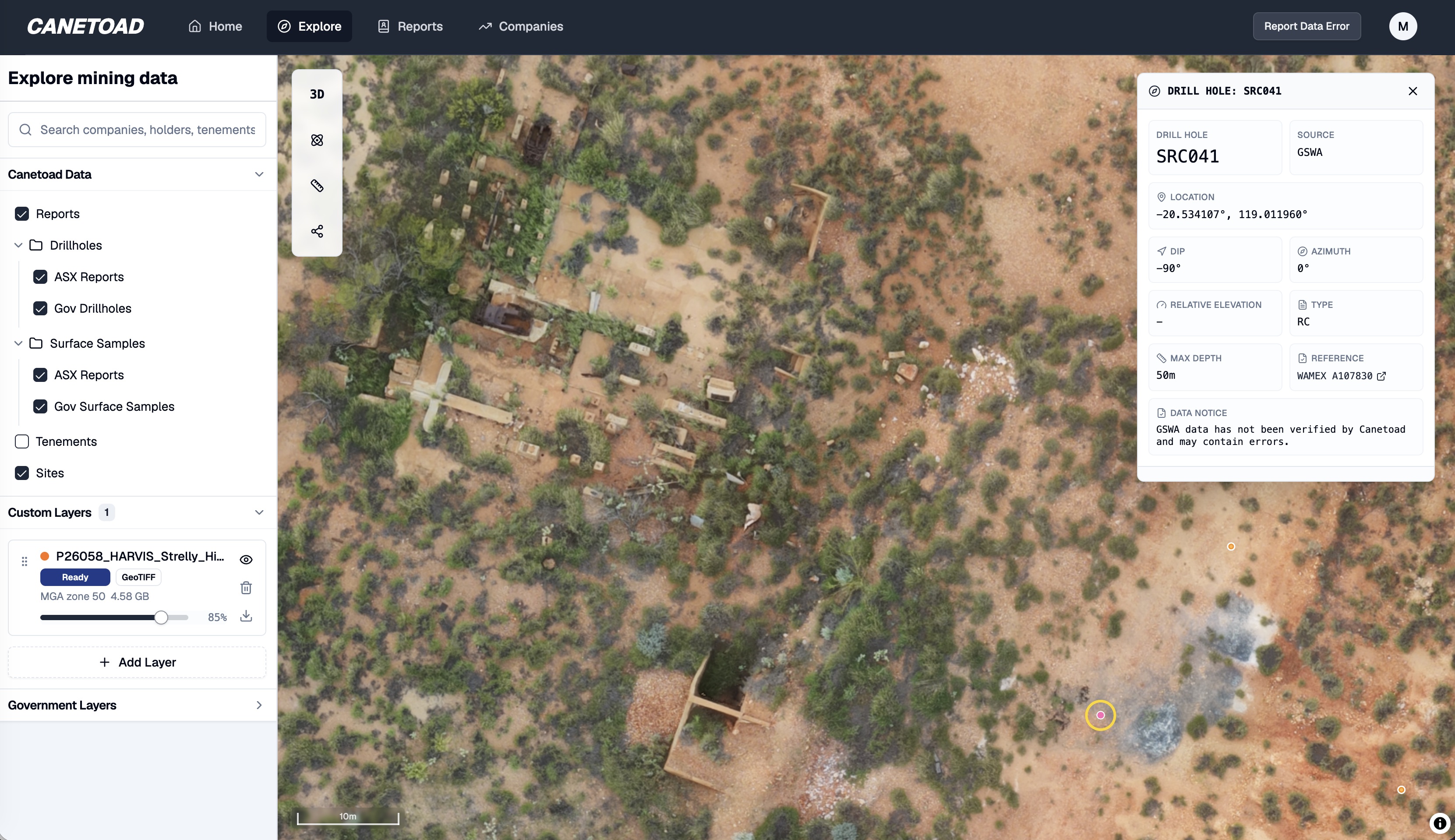
Drag in a 5GB raster or vector file. Render it in 20 seconds. No upload. No conversion. Nothing leaves your machine.
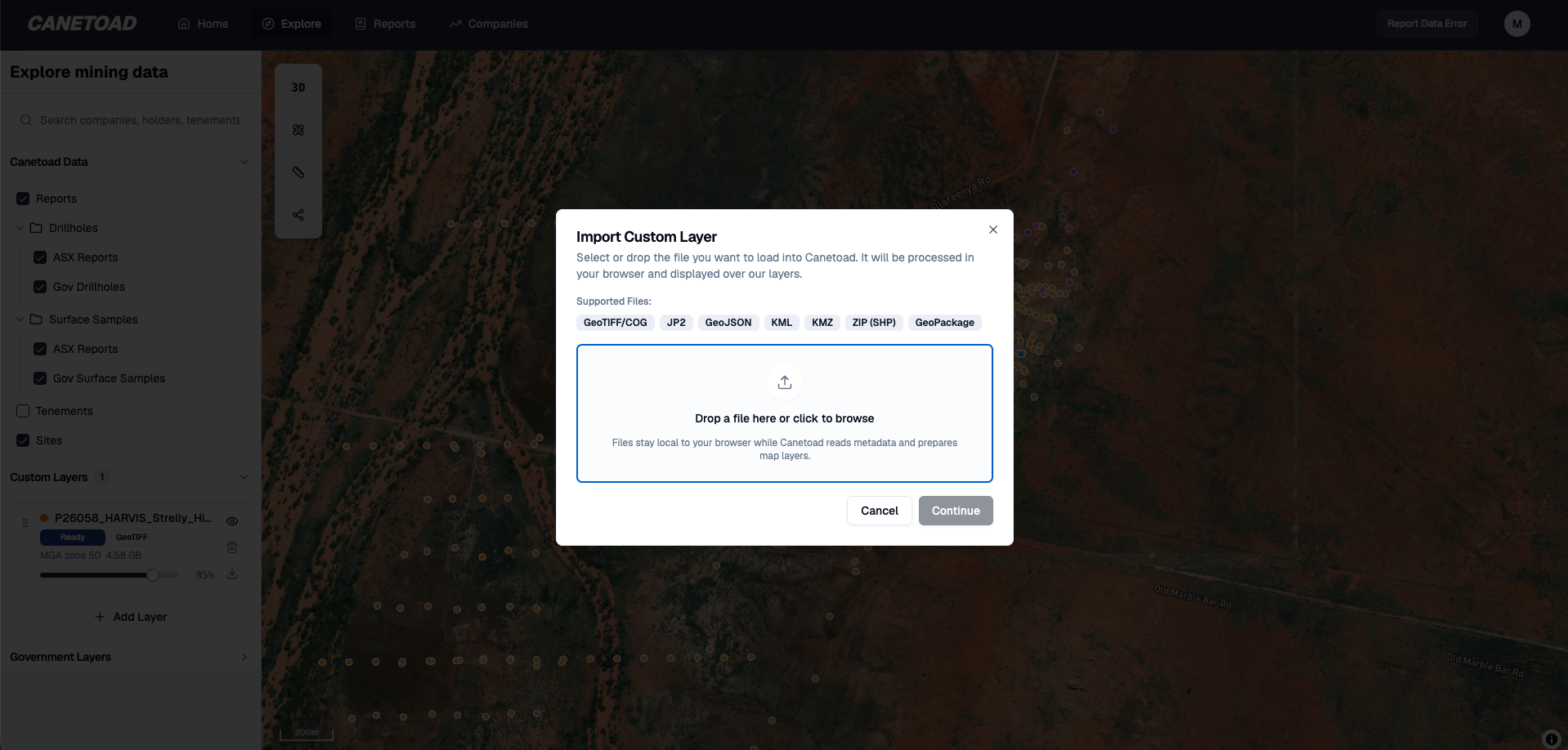
Files that crash QGIS. Live in your browser.
Multi-gigabyte rasters that freeze desktop GIS now drag straight in and render in about 20 seconds. The browser parses the georeferencing, decodes tiles in a worker pool, caches them in IndexedDB, and lets your GPU do the rendering. Pan, zoom, fade opacity — smooth, even on a 5GB file you couldn't open an hour ago.
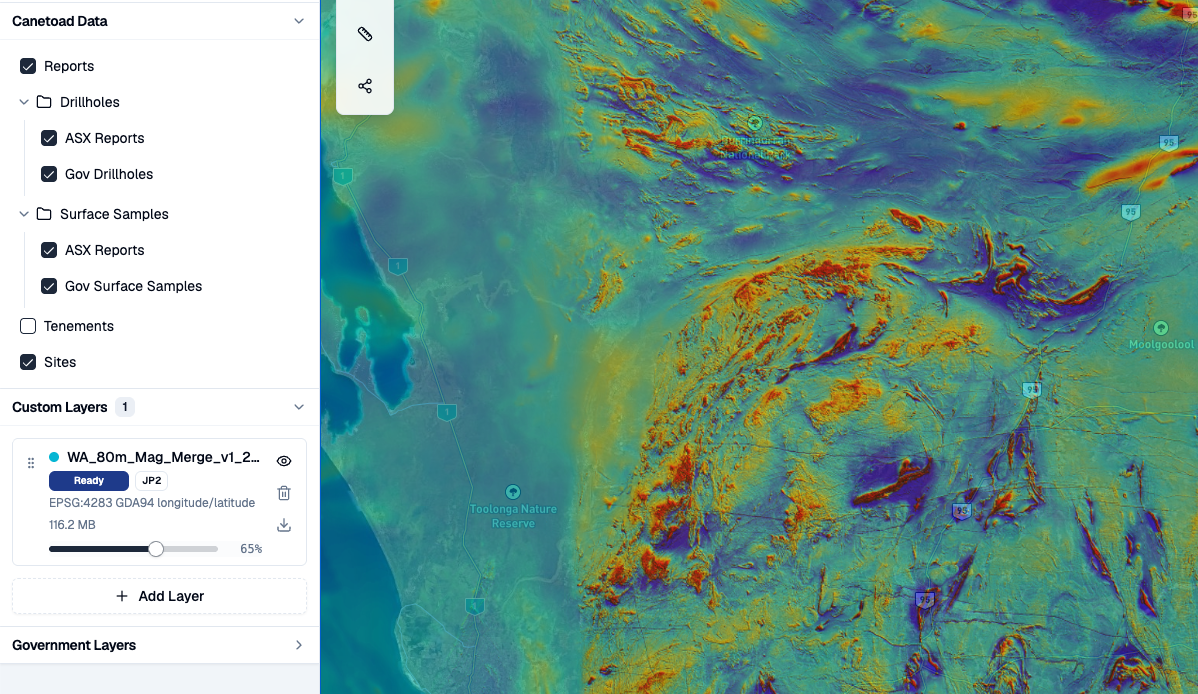
Raster or vector. Drag in either.
Custom Layers handle the formats Australian explorers actually have on their machines. GeoTIFF and Cloud Optimised GeoTIFF for magnetics, gravity, radiometrics, and geology grids. JP2, GeoJP2, and HTJ2K for state-released imagery. GeoJSON, KML, and KMZ for handoffs from desktop tools. Zipped or loose shapefiles for legacy data. GeoPackage for vector feature tables straight out of GIS workflows.
Drop any of them in. They appear on the map alongside the rest of Canetoad's data, with visibility, opacity, and fit-to-layer controls in the same panel.
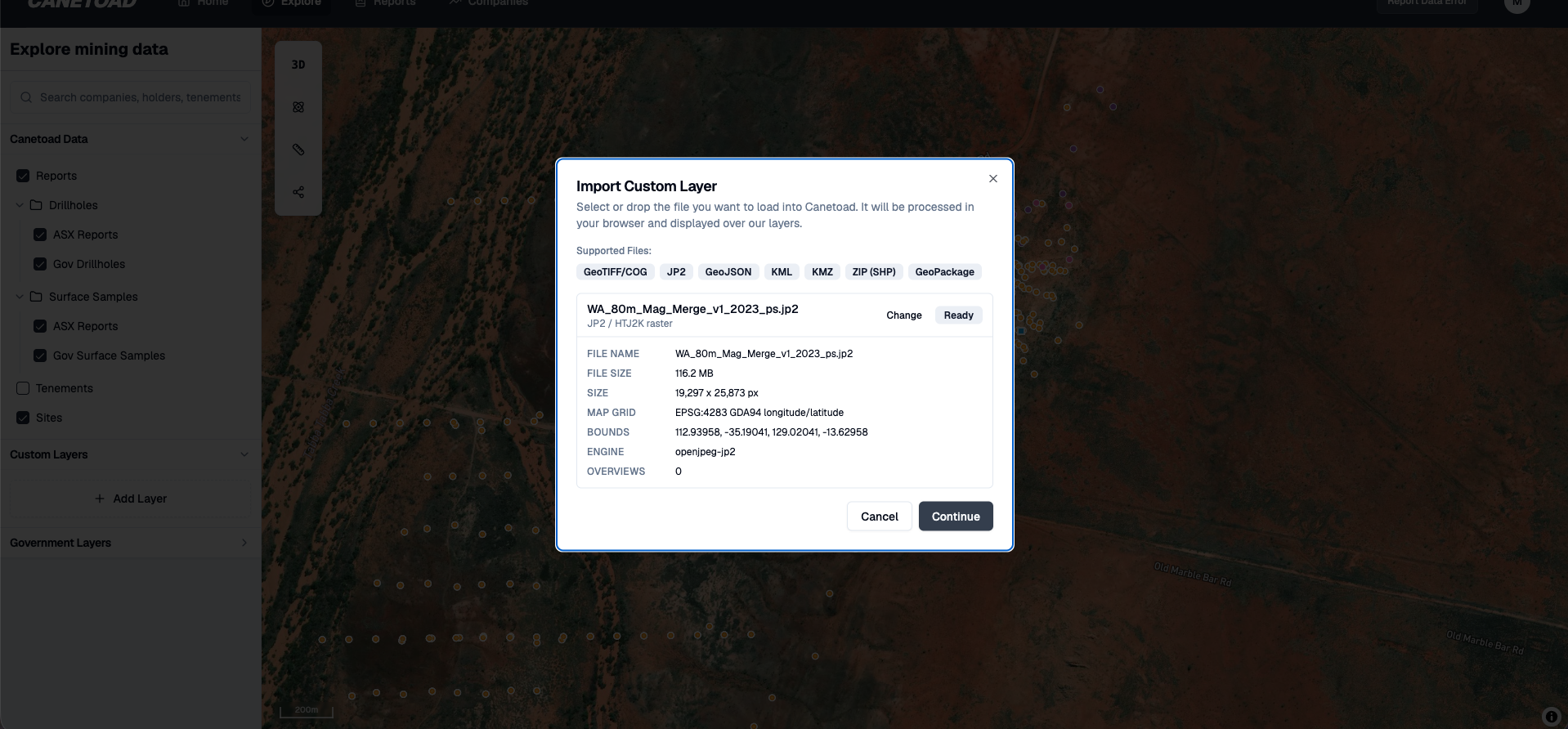
Your data never leaves your machine
No upload step. No conversion to Cloud Optimised GeoTIFF. The file is read locally in your browser, decoded by a worker pool on your hardware, cached in your browser's file store, and rendered by your GPU. Reload the page and the layer rehydrates from your cache.
Local layers are explicitly excluded from share links — your private rasters and vectors don't ride along when you share an Explore view with a colleague. Your hardware, your cache, your IP.
Native CRS handling for WGS84, GDA94, GDA2020, MGA zones 49–56, and WGS84 UTM south zones 49–56, so Australian datasets line up with the rest of the map without manual reprojection.
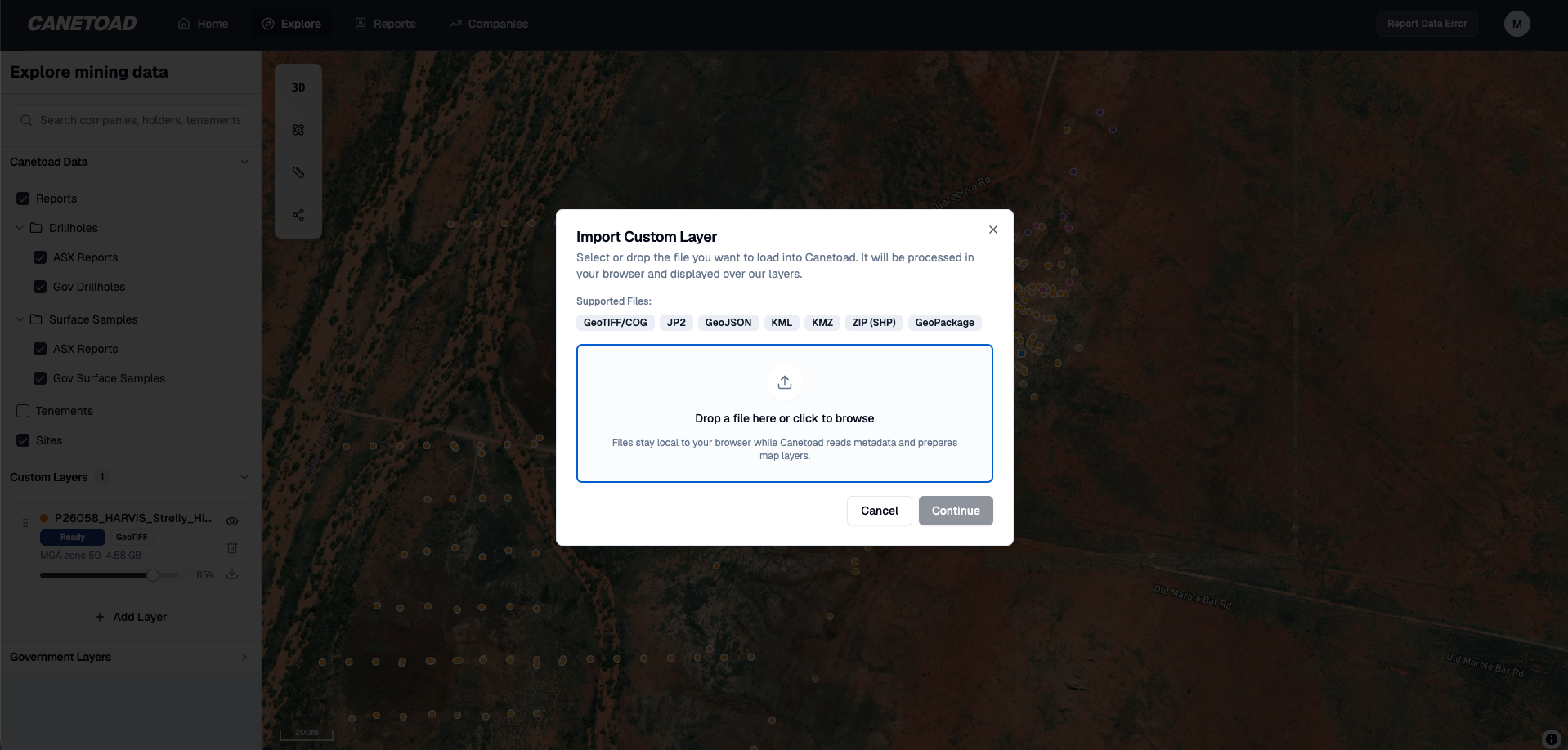
Draped over the national exploration database
Your private layers sit directly on top of Canetoad's full serving layer: 72.6M government assays, 4.2M drill collars, surface samples, geology, and tenements across Australia. Your interpretation. Your targets. Your company's view of the ground. All of it on top of the public geological record without the private data leaving your machine.
What everyone else makes you do
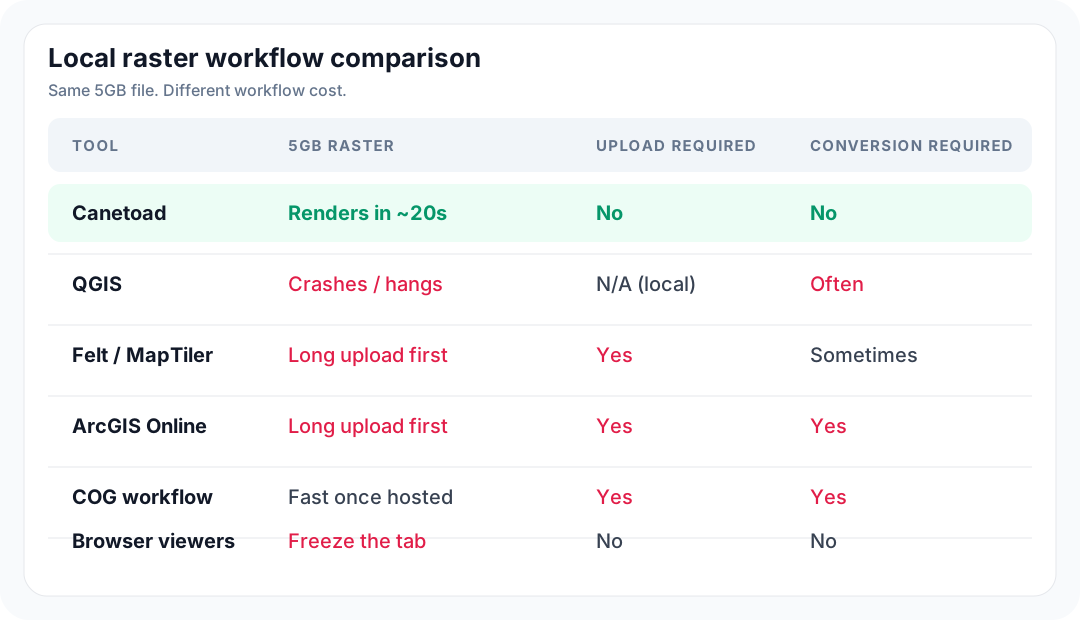
QGIS chokes on multi-gigabyte rasters — there are open bug reports going back a decade. Felt, MapTiler, and ArcGIS Online want you to upload your file to their servers first. Most browser GeoTIFF viewers load the whole file into memory and freeze the tab. The Cloud Optimised GeoTIFF workflow needs a conversion step and a hosted server with range requests. Canetoad does none of that.
"I used to spend mornings manually plotting PDF coordinates. Now 20 minutes after release, the model is updated and actionable."
Private Resource Investor · Sydney
Get actionable insights today.
Start using Canetoad today to get actionable insights from ASX mining announcements. Get the edge on the market.